
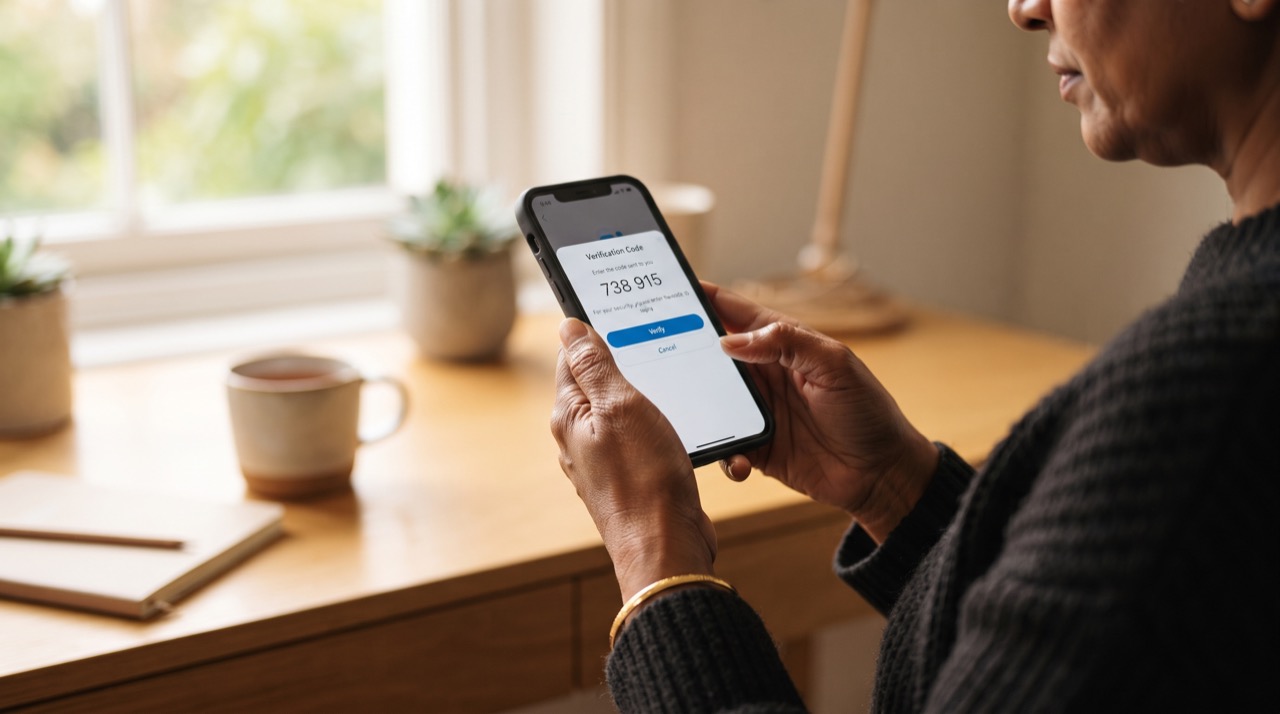
Account theft in Pakistan almost never happens through some clever hack. It happens because someone got your SIM reissued, guessed a weak password, or tricked you into sharing an OTP over a phone call pretending to be "bank security" or "WhatsApp support." The single best defence against all three is two-step verification (also called 2FA or two-factor authentication) — a second lock that a thief cannot open even if they already have your password or your SIM. Here is exactly how to switch it on for the three accounts most people in Pakistan rely on every day.
WhatsApp: Set a Six-Digit PIN
WhatsApp's two-step verification adds a PIN that is asked for periodically when you register your number on a new device. This stops the common "SIM swap" scam, where someone convinces your mobile operator to issue a duplicate SIM and then reinstalls WhatsApp on their own phone using your number.
- Open WhatsApp, go to Settings (or Menu on Android) → Account → Two-step verification.
- Tap Turn on and enter a six-digit PIN. Do not use your birth year, phone number, or CNIC digits.
- Add an email address when prompted. This lets you reset the PIN if you forget it — skip it and you risk permanent lockout, so do not leave it blank.
- Never read this PIN or any WhatsApp OTP aloud to anyone, including callers claiming to be from WhatsApp, Jazz, Zong, Telenor, or Ufone. WhatsApp support never asks for it. See WhatsApp's own guidance at faq.whatsapp.com.
Facebook: Turn On Two-Factor Authentication
Facebook accounts are frequently hijacked to run scam ads or fake giveaways using your friends list as the audience. Two-factor authentication closes the door that password-guessing and phishing links rely on.
- Go to Settings & Privacy → Settings → Accounts Center → Password and security → Two-factor authentication.
- Choose an authentication app (Google Authenticator or Authy) instead of SMS where possible — SMS codes can be intercepted if your SIM is compromised, while an app stays on your device.
- Save the recovery codes Facebook generates. Screenshot them and store the image somewhere other than your phone's camera roll — a password manager note or a printed copy works well.
- Review Login alerts in the same menu so you get notified the moment someone logs in from an unrecognised device or location.
Gmail: Add 2-Step Verification and Check Recovery Info
Gmail is often the master key to everything else — banking apps, other social accounts, and password resets all route through it. Securing Gmail properly is the highest-leverage five minutes you can spend on digital safety.
- On google.com, open Manage your Google Account → Security → 2-Step Verification → Get started.
- Add a phone number for backup, but also set up Google Authenticator or, better, a physical/passkey option if your phone supports it — this is far stronger than SMS alone.
- Update your recovery phone number and recovery email under Security so Google can verify it's really you if you ever get locked out.
- Run the free Security Checkup (under the same Security tab) once — it flags old devices still logged in and third-party apps with access to your account that you may have forgotten about.
A password stops a stranger. Two-step verification stops someone who already has your password — which is exactly the situation most Pakistani account theft starts from.
Do all three today rather than "later." Each one takes a few minutes, and together they close the exact gaps — SIM swaps, phishing links, and reused passwords — that account thieves in Pakistan rely on most.
Roman Urdu
Pakistan mein account chori hona zyada tar kisi "smart hacking" ki wajah se nahi hota — balke SIM dobara issue karwane, kamzor password, ya phone par jhooti "support call" se OTP maangne ki wajah se hota hai. Iska sabse asaan aur mazboot hal hai two-step verification, yani ek extra lock jo password chori hone ke baad bhi kisi aur ko andar aane nahi deta.
Settings → Account → Two-step verification mein jaa kar six-digit PIN set karein. Apni birth date ya phone number ka koi hissa PIN na banayein. Email zaroor add karein taake PIN bhool jaane par recover ho sake. Yeh PIN ya koi bhi OTP kabhi kisi ko na batayein, chahe woh khud ko WhatsApp support ya mobile company ka agent kyun na kahe — asli support kabhi PIN nahi maangti. Details faq.whatsapp.com par mil sakti hain.
Settings & Privacy → Accounts Center → Password and security → Two-factor authentication mein jaa kar ise on karein. SMS ki bajaye Google Authenticator jaisi app use karein, kyunke SIM swap hone par SMS code bhi chori ho sakta hai. Jo recovery codes milein unhe screenshot kar ke mehfooz jagah save karein, sirf phone ki gallery mein nahi.
Gmail
Google Account → Security → 2-Step Verification mein ja kar isko activate karein. Backup phone number ke sath authenticator app bhi add karein. Recovery phone aur email zaroor update rakhein, aur "Security Checkup" ek baar chala kar dekh lein ke koi purana device ya app account tak rasai to nahi rakhta.
Yeh teenon kaam mil kar tees minute se kam waqt lete hain, lekin inse SIM swap, phishing links, aur ek jaisa password reuse karne jaisi aam ghaltiyan band ho jaati hain — jo Pakistan mein account chori ki sabse badi wajah hain.





