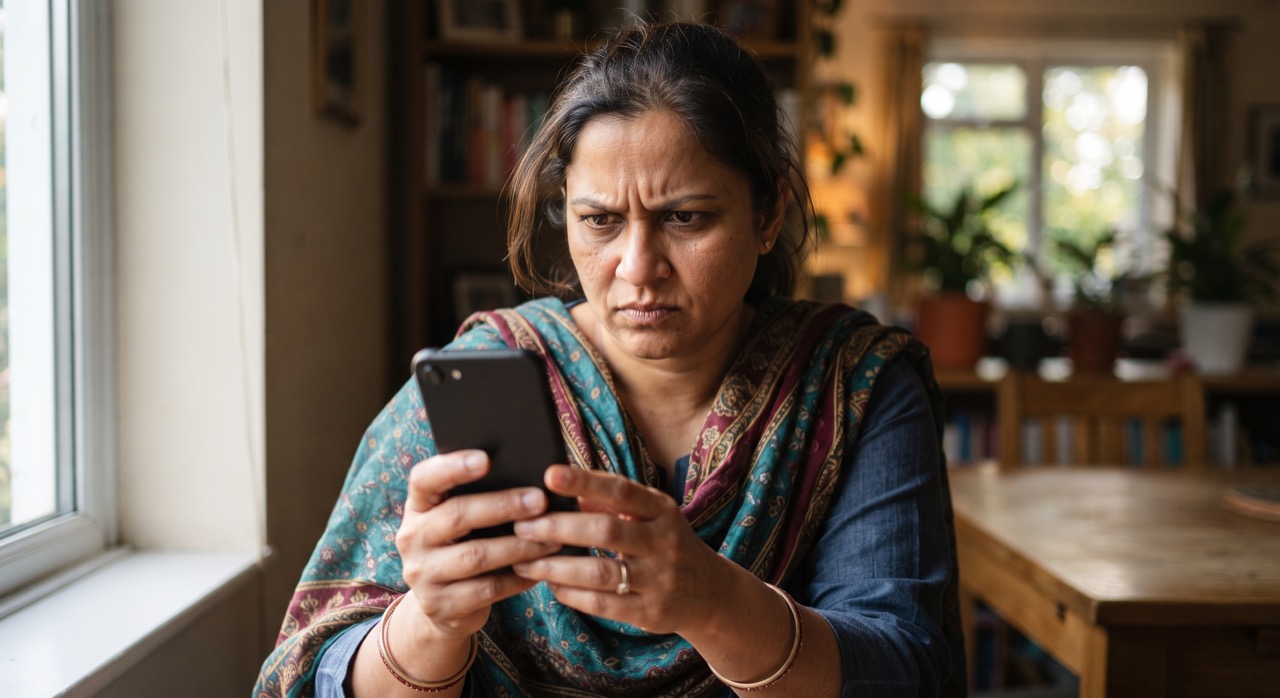
If your phone keeps flashing "Storage almost full" every other day, you are not alone. Most budget and mid-range Android phones sold in Pakistan still ship with 32GB or 64GB of storage, and once WhatsApp, a couple of camera apps, and years of Eid photos pile up, that space disappears fast. The instinct is to start deleting photos — but you don't have to. Most of the space-hogging junk on your phone has nothing to do with your actual pictures. Here is how to reclaim gigabytes without losing a single memory.
Start With Cache and Junk Files
Every app on your phone quietly stores temporary files called "cache" to load faster next time. Over months, this adds up to gigabytes of dead weight that you will never miss.
- Clear app cache individually: Go to Settings > Apps > select an app > Storage > Clear Cache. Do this for Chrome, Facebook, Instagram, TikTok, and any food delivery or shopping apps — these are usually the biggest offenders.
- Use the built-in cleaner: Most Android phones (Samsung, Xiaomi, Vivo, Oppo, Realme) have a "Device Care" or "Phone Manager" app pre-installed with a one-tap "Clean Now" option that clears cache across all apps at once.
- Avoid third-party "cleaner" apps: Many of these are packed with ads or fake "junk found" warnings designed to scare you into buying premium versions. Android's own storage tools do the job for free.
- Clear browser downloads: Check your Downloads folder for old PDFs, APK files, and images you forgot to delete — these often silently take up 1-2GB.
Offload WhatsApp Media the Smart Way
For most Pakistani users, WhatsApp alone is the single biggest storage eater — years of forwarded videos, voice notes, and duplicate images from family groups quietly stack up.
- Check your usage first: Open WhatsApp > Settings > Storage and Data > Manage Storage. It shows exactly which chats are eating the most space, often group chats full of forwarded content you never asked for.
- Turn off auto-download: In Settings > Storage and Data, set photos, videos, and documents to only download on Wi-Fi, or manually. This stops your phone from silently saving every meme forwarded in family groups.
- Delete forwarded junk, not personal photos: Inside Manage Storage, WhatsApp lets you review and select large files before deleting — sort by size and clear out forwarded videos and voice notes without touching the personal photos your relatives sent you.
- Turn off "Save to Gallery": If WhatsApp media is duplicating itself into your phone's photo gallery, disable this in Settings > Chats. Your photos still stay safe inside WhatsApp's own folder.
Let the Cloud Hold Your Memories
This is the real fix for a permanently full phone: stop storing every photo locally forever, and let a cloud service hold your full-resolution library while your phone keeps only a small copy.
- Google Photos: Turn on backup under the app's Settings > Backup, then use the "Free up space" option, which safely removes photos from your phone only after confirming they are already backed up online. Nothing is lost — they remain viewable anytime. Get it at Google Photos on Play Store.
- Check your Google Account storage: Every Google account gets 15GB free across Gmail, Drive, and Photos combined. Track how much you've used at Google Account Storage and consider Google One if you need more room.
- Set backup to Wi-Fi only: If mobile data is limited or expensive, set cloud backup to run only when connected to Wi-Fi, so it doesn't burn through your package.
- Use an SD card if your phone supports one: Many budget Android models still have a microSD slot. Moving your camera's save location to the SD card is an instant, permanent fix for future photos.
A full phone doesn't mean you have too many memories — it usually means too much cache, too many forwarded videos, and no backup plan. Fix the plumbing, and the photos take care of themselves.
Do a cache clear and a WhatsApp storage check once a month, and set up Google Photos backup once — and you'll likely never see the "storage full" warning again.
Roman Urdu
Agar aap ka Android phone baar baar "storage full" ka message deta hai to pareshan hone ki zaroorat nahi — aur na hi photos delete karne ki. Zyada tar Pakistan mein bikne wale phones 32GB ya 64GB storage ke sath aate hain, aur WhatsApp ke forwarded videos aur cache hi asal mein sab se zyada jagah kha jate hain.
Pehle Cache Saaf Karein
Har app apne temporary files (cache) store karta hai jo waqt ke sath GBs ban jate hain. Settings > Apps > koi bhi app select karein > Storage > Clear Cache par tap karein — especially Chrome, Facebook aur TikTok jaisi apps par. Zyada tar phones (Samsung, Xiaomi, Vivo, Oppo) mein "Device Care" ya "Phone Manager" app pehle se hota hai jo ek hi click mein sab clean kar deta hai. Teesri party cleaner apps se bachein — yeh aksar fake warnings dikha kar premium version becheti hain.
WhatsApp Media Smartly Offload Karein
WhatsApp aksar sab se zyada storage kha jata hai — khaas kar family groups ke forwarded videos aur photos. WhatsApp Settings > Storage and Data > Manage Storage mein jaa kar dekhein kaunse chats zyada jagah le rahe hain. Auto-download ko Wi-Fi tak limit karein taake har forward khud-ba-khud download na ho. Manage Storage mein size ke hisaab se files sort karein aur forwarded junk delete karein — apki personal photos ko haath mat lagayein.
Cloud Ko Apni Yaadein Sambhalne Dein
Asal solution yeh hai ke har photo phone mein hamesha ke liye na rakhein. Google Photos app download karein, backup on karein, aur "Free up space" option use karein — yeh sirf unhi photos ko phone se hataata hai jo pehle se cloud par mehfooz ho chuki hoti hain, aur aap unhein baad mein kabhi bhi dekh sakte hain. Har Google account ko 15GB free milti hai Gmail, Drive aur Photos mila kar. Backup ko Wi-Fi only par set karein taake mobile data zaya na ho, aur agar phone mein SD card slot ho to camera ka save location SD card par shift kar dein — yeh future ke liye permanent solution hai.
Mahine mein ek baar cache clear karein aur WhatsApp storage check karein, aur Google Photos backup ek dafa set kar lein — phir "storage full" ka message shayad hi kabhi dobara aaye.