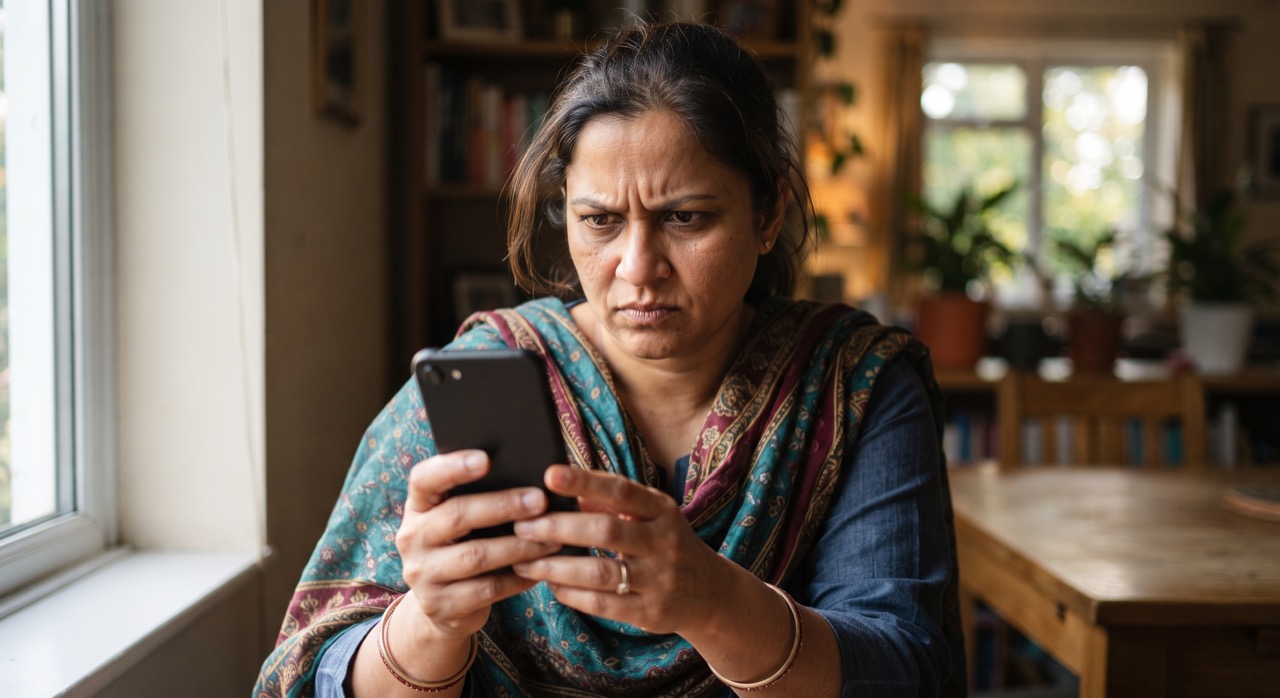
For most Pakistani households, load-shedding is not an inconvenience that happens once in a while — it is a daily schedule you plan your life around. And in a power cut, your phone stops being just a phone. It becomes your flashlight, your only way to check on family, your mobile banking app, and sometimes the only source of light in the house. Running out of charge at the wrong moment is more than annoying; it can be genuinely stressful. The good news is that a few smart settings and simple charging habits can stretch a single charge across an entire outage window, and protect your battery's long-term health at the same time.
Settings That Genuinely Extend Battery Life
Not every "battery hack" you hear about actually works. These do:
- Turn on Low Power Mode / Battery Saver. Both iPhone and Android have a built-in mode that reduces background activity, animations, and mail/app fetch. Turn it on as soon as you know an outage is coming, not after your battery is already at 15%.
- Lower your screen brightness and shorten screen timeout. The display is the single biggest battery drain on any phone. Set brightness manually to a comfortable minimum instead of leaving auto-brightness to guess, and drop your screen timeout to 30 seconds.
- Use dark mode if you have an OLED/AMOLED screen. On these displays (most mid-range and flagship phones sold in Pakistan today), black pixels use almost no power, so dark mode can meaningfully add up over hours of scrolling.
- Turn off Wi-Fi and Bluetooth during the outage. Once your home router loses power, your phone keeps burning battery searching for that dead Wi-Fi signal. Switch to mobile data manually or turn on Airplane Mode with only mobile data re-enabled.
- Disable background app refresh and unnecessary push notifications. Apps like Facebook, TikTok, and browser apps constantly refresh content in the background even when you're not using them.
- Watch your signal strength. If you're in a weak-coverage area during load-shedding (nearby towers can also lose power or run on backup batteries), your phone works harder to maintain a connection. Switching from 5G/4G to 3G temporarily, or keeping the phone in one spot, can reduce this drain.
A good rule of thumb: every setting that makes your screen dimmer, your connections fewer, and your background apps quieter is a setting that adds hours to your battery.
Charging Habits That Protect Your Battery — Not Just Top It Up
- Charge in short, frequent bursts when electricity is available rather than always waiting to hit 0% and then charging to 100%. Lithium-ion batteries, which every modern phone uses, actually last longer when kept roughly between 20% and 80%.
- Never rely on a cheap, unbranded charger or cable during voltage-unstable periods (right when power returns after an outage, or when running off a generator or inverter). Voltage spikes at power restoration are common in Pakistan's grid, and a poor-quality charger has no surge protection, which risks overheating or damaging your battery.
- Use a surge protector or a UPS with stabilized output if you regularly charge electronics from a backup power source. This one habit protects not just your phone but every device plugged into it.
- Remove your phone's case while charging and avoid charging under a pillow or blanket — trapped heat is one of the fastest ways to age a battery.
- Charge a power bank whenever grid electricity is on, so it's ready to top up your phone during the outage itself. This is the single most reliable habit for households with long or unpredictable load-shedding schedules.
Plan Around Your Local Schedule
Check your K-Electric or local WAPDA distribution company's announced load-shedding schedule and set a daily reminder to top up all your devices — phone, power bank, and any emergency light — before the scheduled cut. If your area experiences unannounced or extended outages, keep your phone at a comfortably high charge overnight rather than assuming you'll get a chance to charge in the morning. For more detail on how iPhone battery health works over time, Apple's official guide is a solid reference, as is Google's official Android battery saver guide for Android users.
Roman Urdu
Pakistan mein loadshedding roz ka maamool hai, aur is dauran phone sirf phone nahi rehta — yeh aapki flashlight, family se rabta, aur mobile banking ka zariya ban jata hai. Isliye battery ka lambay time tak chalna bohat zaroori hai.
Sab se pehle Battery Saver ya Low Power Mode on kar lein jaise hi pata chale ke loadshedding aane wali hai — battery 15% pe aane ka intezar na karein. Screen brightness manually kam rakhein aur screen timeout 30 second tak short kar dein, kyunke screen hi sab se zyada battery kharch karti hai. Agar aapke phone mein OLED/AMOLED screen hai to dark mode use karein, is se kaafi farq padta hai. Jab bijli chali jaye to Wi-Fi aur Bluetooth band kar dein, kyunke phone bar bar dead Wi-Fi signal dhoondhta rehta hai jo battery zaya karta hai. Background app refresh aur ghair-zaroori notifications bhi band kar dein — Facebook, TikTok jaisi apps background mein constantly data refresh karti hain. Charging ke maamle mein, battery ko baar baar 0% tak le jaane ke bajaye jab bijli mojood ho tab thora thora charge karte rahein — lithium-ion battery 20% se 80% ke darmiyan behtar chalti hai. Sasta ya local charger/cable use karne se bachein, khaas taur pe jab bijli wapis aa rahi ho, kyunke us waqt voltage spike hone ka khatra hota hai jo phone ko nuqsan pohncha sakta hai. Agar UPS ya generator se charge kar rahe hain to surge protector zaroor use karein. Charging ke waqt phone ka cover utaar dein aur ise kisi kapre ya takiye ke neeche na rakhein, warna garmi jam ho kar battery ko jaldi kharab karti hai. Sab se acha tareeqa yeh hai ke jab bijli ho tab power bank full charge kar lein, taake loadshedding ke dauran phone ko us se top-up kar sakein. Apne local K-Electric ya WAPDA schedule check kar ke roz ek fix waqt pe apne tamam devices charge karne ki aadat banayein — is se aap kabhi andhere mein khaali battery ke sath nahi rahenge.