
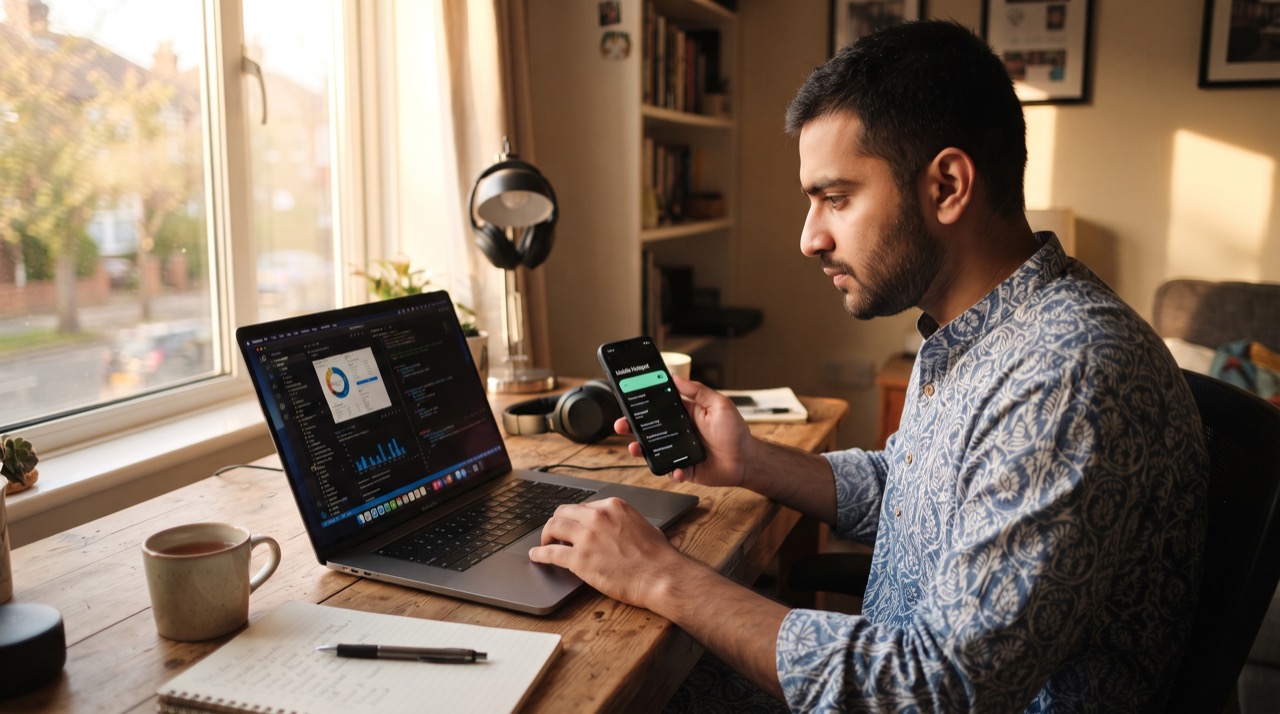
Load-shedding, a broadband outage, or simply working from a relative's house in Lahore or Multan — sooner or later, every laptop user in Pakistan ends up relying on a phone's mobile data to get online. Turning your phone into a Wi-Fi hotspot is simple, but doing it securely — so a neighbor or a stranger on the street doesn't quietly ride your data package — takes a few extra minutes. Here's how to set it up properly on both Android and iPhone, plus how to keep it locked down.
Setting Up a Hotspot on Android
Almost every Android phone, whether it's a Samsung, Infinix, Tecno, or Xiaomi running its own custom skin, hides the same core feature under slightly different menu names. The general path is consistent enough to follow anywhere:
- Open Settings and search for "Hotspot" or go to Connections > Mobile Hotspot and Tethering (on Samsung) or Network & Internet > Hotspot & Tethering (on stock Android).
- Tap Wi-Fi Hotspot and switch it on.
- Tap the hotspot name to set a custom Network Name (SSID) — avoid using your real name or phone number as the network name.
- Set the Security type to WPA2 or WPA3 Personal — never leave it as "None" or open.
- Set a strong password of at least 12 characters, mixing letters and numbers, rather than something guessable like "12345678."
- Optionally cap the number of connected devices under "Maximum connections" so your data isn't shared beyond your household.
Many Android phones also let you set an automatic hotspot timeout (turning off after a few minutes of no devices connected), which is a small but effective way to prevent your battery from draining if you forget to switch it off.
Setting Up a Hotspot on iPhone
iPhones handle this through a feature Apple calls Personal Hotspot:
- Go to Settings > Personal Hotspot and toggle it on. If you don't see this option, check with your carrier — a small number of Pakistani SIM plans require hotspot tethering to be separately enabled.
- Tap Wi-Fi Password to set or change the default password — do this immediately rather than keeping the auto-generated one, especially if you've shared your phone with others before.
- Under Maximize Compatibility, keep this off unless an older laptop can't detect the hotspot — turning it on uses an older, slightly less efficient Wi-Fi standard.
- Your laptop can also connect via USB cable or Bluetooth instead of Wi-Fi, which uses noticeably less battery than broadcasting a wireless signal all day.
Keeping It Secure and Managing Data
A hotspot is really just a mini Wi-Fi router living in your pocket, so the same basic security habits that apply to your home router apply here too.
- Never use WEP or leave the network open — WPA2/WPA3 is the minimum standard on any modern phone.
- Change the default password periodically, especially after sharing it with guests, tuition students, or extended family.
- Check the connected-devices list in your hotspot settings occasionally; an unfamiliar device name is a sign someone guessed or was given your password without your knowledge.
- Keep an eye on your data usage in Settings, since most Pakistani mobile plans have a fixed monthly bundle and hotspot use burns through it noticeably faster than normal browsing — video calls and cloud backups from a connected laptop especially.
- If your phone supports 5G and your area has coverage, hotspotting over 5G will be faster and often more battery-efficient than 4G for the same task, since the connection completes sooner.
A hotspot password is a household password, not a secret you announce out loud in a crowded room — treat it the same way you'd treat your home Wi-Fi password.
For official troubleshooting, Android users can check Google's Android support pages, and iPhone users can refer to Apple's Personal Hotspot support page for device-specific issues.
Used thoughtfully, your phone's hotspot can keep a laptop working through a PTCL outage, let a student finish an assignment during load-shedding, or give the whole family internet access on a trip — all without becoming a drain on your data plan or a security risk to your device.
Roman Urdu
Load-shedding ho ya broadband ka connection band ho jaye, Pakistan mein har laptop user ko kabhi na kabhi apne phone ka mobile data hotspot ke zariye laptop se connect karna parta hai. Yeh kaam asaan hai, lekin secure tareeqe se karna thoda dhyan maangta hai taake koi paros wala ya raah chalta banda chupke se aapka data istemal na kare.
Android par: Settings mein "Hotspot" search karein ya Connections > Mobile Hotspot and Tethering mein jayein. Hotspot on karein, network ka naam apna asli naam ya number rakhne se bachein, security type WPA2 ya WPA3 rakhein (kabhi bhi "None" ya open na rakhein), aur kam az kam 12 characters ka strong password set karein jisme letters aur numbers dono hon. Agar option mile to maximum connected devices ki limit bhi laga dein.
iPhone par: Settings > Personal Hotspot mein jayein aur on karein. Agar yeh option nazar na aaye to apni carrier se confirm karein ke tethering enable hai ya nahi. Wi-Fi Password turant change karein, auto-generated password par mat rahein. Laptop ko USB cable ya Bluetooth se connect karna Wi-Fi ke muqable mein battery kam kharch karta hai.
Security aur data ka khayal: Hotspot bhi ek chota sa router hi hai, isliye wahi ehtiyaat barten jo apne ghar ke Wi-Fi ke saath karte hain. Password waqtan waqtan badalte rahein, khas tor par jab kisi mehmaan ya tuition student ko diya ho. Connected devices ki list check karte rahein — agar koi anjaan device nazar aaye to samajh jayein ke password kisi aur tak pahunch gaya hai. Data usage par bhi nazar rakhein kyunke laptop se video call ya cloud backup data bundle bohot tezi se khatam kar sakta hai.
Hotspot ka password ghar ka password hota hai, koi aisi cheez nahi jo bhari majma mein zor se bol di jaye — isse apne ghar ke Wi-Fi password jitni hifazat dein.
Agar koi masla aaye to Android users Google ke Android support aur iPhone users Apple ke Personal Hotspot support page se madad le sakte hain. Sahi tareeqe se istemal kiya jaye to phone ka hotspot PTCL ki bandish ke waqt laptop chalu rakh sakta hai, load-shedding mein student ka assignment complete karwa sakta hai, aur poore family trip par internet faraham kar sakta hai — bina data plan khatam kiye ya security risk banaye.





