
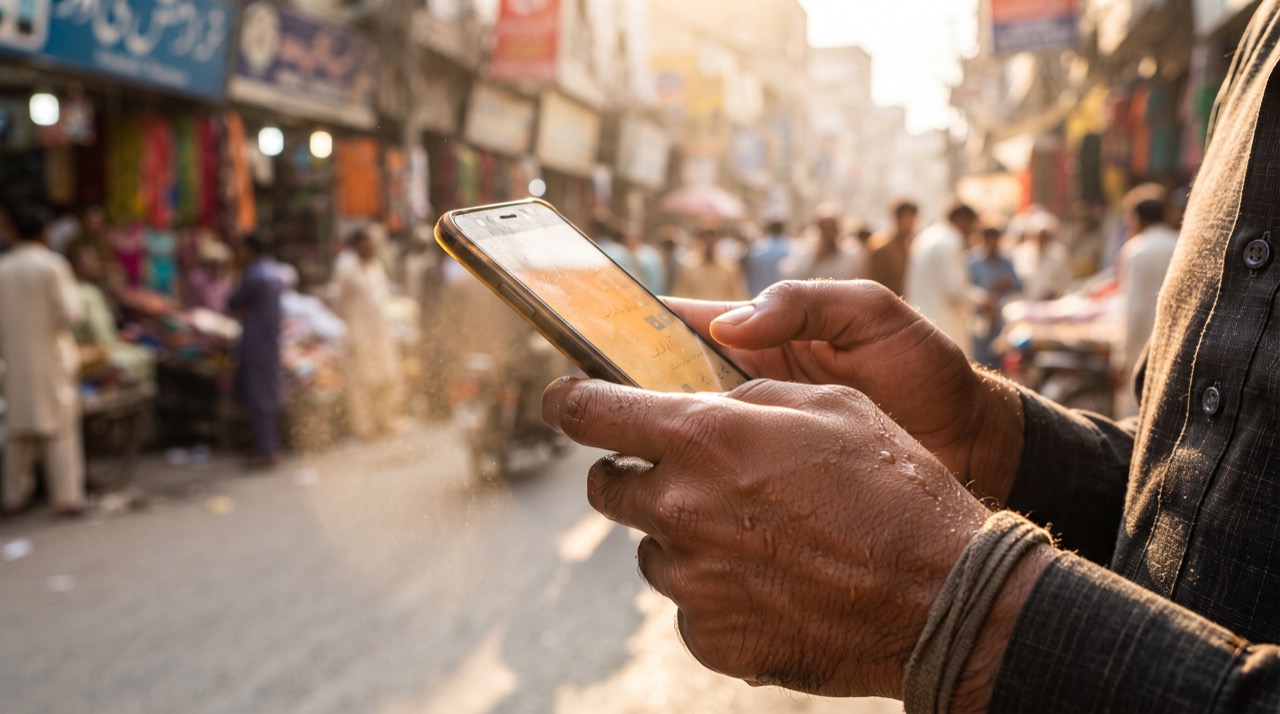
Every June, from Karachi to Peshawar, the same complaint shows up in phone repair shops: "My phone gets hot and shuts down on its own." When ambient temperatures cross 40°C and your phone is already working hard on Wi-Fi, GPS for a rickshaw ride, and a cricket highlights video, it does not take much to push the battery and processor past their comfort zone. The good news is that overheating is almost always preventable once you understand what is actually causing it.
What Really Causes a Phone to Overheat
A phone generates heat from two main sources: the processor doing heavy work, and the battery charging or discharging quickly. In Pakistan's summer, three extra factors stack on top of that:
- Ambient heat has nowhere to go. A phone can normally shed its own heat into the surrounding air. When the air itself is 40-45°C, that heat has almost nowhere to escape, so the internal temperature climbs faster.
- Direct sunlight is far worse than air temperature. A phone left on a car dashboard, a motorbike seat, or a windowsill can hit 55-60°C internally within minutes, even if the air around it is cooler. Glass and metal backs absorb sunlight quickly.
- Load-shedding and voltage fluctuation stress the charging circuit. Frequent power cuts followed by sudden restoration can send irregular current through cheap chargers, making the charging IC work harder and run hotter than it should.
Charging Habits That Prevent Overheating
Most heat-related battery damage in Pakistan comes from how people charge, not from the weather alone.
- Never charge while gaming or on a video call. Charging plus heavy processor use is the single biggest cause of a hot phone. Let it charge idle, or at most with the screen off.
- Take the cover off while charging if you use a thick silicone or leather case — these trap heat right against the back panel.
- Avoid cheap, uncertified chargers and cables. Local market "fast chargers" without proper voltage regulation are a common cause of both overheating and swollen batteries. Stick to the original charger or a reputable brand.
- Don't charge overnight under a pillow or blanket — insulation traps heat and blocks airflow, which is especially risky during humid Karachi or Lahore summer nights.
- Unplug once it hits 100%. Trickle current after a full charge adds unnecessary heat cycles over time.
Everyday Cooling Practices
- Keep your phone out of direct sun — never leave it on a motorbike seat, car dashboard, or windowsill, even for a short errand.
- Remove the case in extreme heat, particularly if it's a thick or dark-colored case, since dark colors absorb more heat.
- Close background apps you're not using — navigation apps, video streaming, and games left running in the background keep the processor working and generating heat even when you think the phone is "resting."
- Lower screen brightness and disable auto-brightness spikes in bright outdoor light; the display is a real contributor to heat.
- If your phone does overheat, turn it off completely rather than just locking the screen, and move it to shade or an air-conditioned room. Do not put it in a fridge or freezer — the sudden temperature drop can cause condensation damage inside.
- Update your software regularly. Manufacturers often patch background processes that cause unnecessary CPU load; check Android's official support pages or Apple's Pakistan support site for device-specific battery health guidance.
A phone that shuts down from heat isn't broken — it's protecting itself. Respect that warning instead of forcing it back on immediately.
When to Worry
Occasional warmth during charging or heavy gaming is normal. Be concerned if your phone regularly shuts off from heat even during light use, if the back panel bulges (a sign of a swelling battery), or if you smell anything unusual near the battery. In these cases, stop using the device and get it checked at an authorized service center rather than continuing to charge it.
Roman Urdu
Pakistan ki garmi mein phone ka garam ho kar band ho jana aam masla hai. Iski wajah sirf mausam nahi, balke hamari apni charging aur use karne ki adaton mein bhi hoti hai.
Garmi Ki Asal Wajah
Jab bahar ka temperature 40 degree se upar ho, to phone apni garmi bahar nikal nahi pata. Seedhi dhoop mein rakha phone — jaise bike ki seat ya car ke dashboard par — sirf chand minutes mein khatarnak had tak garam ho sakta hai, chahe hawa itni garam na bhi ho. Load-shedding ke baad achanak bijli aane se bhi cheap charger zyada garam kaam karta hai.
Charging Ki Sahi Adaten
- Charging ke doran game ya video call se bachen — yeh combination sabse zyada garmi paida karta hai.
- Charging ke waqt mota cover utar dein, khaas kar silicone wala.
- Sirf original ya achi company ka charger istemal karen, local market ke sasty "fast charger" se bachen.
- Raat ko takiye ke neeche ya kambal mein daal kar charge na karen.
- 100% hote hi charger nikal dein.
Rozmarra Ki Ehtiyaten
- Phone ko seedhi dhoop se door rakhen.
- Shadeed garmi mein case utar dein.
- Background mein chalti apps (navigation, streaming, games) band kar dein.
- Screen brightness kam rakhen jab bahar dhoop tez ho.
- Agar phone garam ho kar band ho jaye, to usay theek se off karen aur thandi jagah le jayen — fridge mein bilkul na rakhen, isse andar nami ban sakti hai.
Agar phone baar baar light use mein bhi garam ho kar band hota hai, ya peeche se ubhar raha hai, to yeh battery kharab hone ki nishani ho sakti hai — foran authorized service center se check karwayen.





