
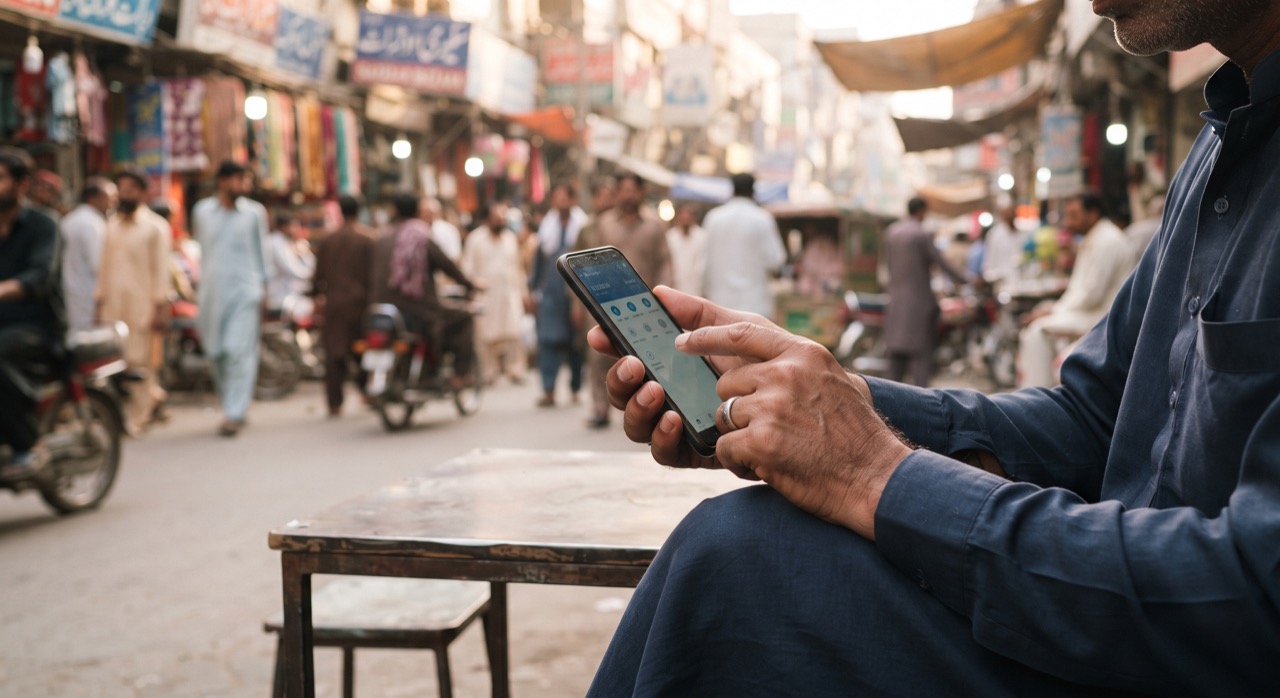
If you have ever waited an hour for an inter-bank transfer to "process," or paid a fee just to move your own money from one account to another, Raast solves that problem. Raast is Pakistan's national instant payment system, built and regulated by the State Bank of Pakistan, and it lets you send money between different banks and mobile wallets in seconds, around the clock, without charges for individual users. If you have not set it up yet, this guide walks you through what Raast is, how to register a Raast ID, and how to actually use it day to day.
What Raast Actually Is
Raast is not a new app you download. It is the underlying rail that your existing bank app or mobile wallet app already plugs into. Think of it like the invisible pipe connecting every bank and wallet in Pakistan so that money can move directly, instead of bouncing through slower clearing systems that used to take a working day or more. You still use your normal banking app — HBL, Meezan, UBL, Easypaisa, JazzCash, NayaPay, SadaPay, and most others already support it — but when you choose "Raast transfer" instead of a regular IBFT, the money lands in the receiver's account almost immediately.
- It works 24/7, including weekends and public holidays.
- Transfers typically complete in seconds, not hours.
- There is no fee for person-to-person transfers.
- It connects banks, microfinance banks, and mobile wallets on one shared network.
How to Register Your Raast ID
A Raast ID is simply a way to tie your existing mobile number to your bank account or wallet, so people can send you money using your phone number instead of a long account number or IBAN. Registration takes only a few minutes.
- Open your bank's mobile app or your wallet app (Easypaisa, JazzCash, NayaPay, SadaPay, or your bank's app).
- Look for a menu option labeled "Raast," "Raast ID," or "Register Raast ID" — it is usually under Transfers or Settings.
- Confirm the mobile number you want linked. This should be the SIM registered in your own name for security reasons.
- Verify with the OTP sent to that number.
- Your Raast ID is now active — it is your mobile number, so you do not need to write it down separately.
One important rule: a single mobile number can only be linked as a Raast ID to one account at a time. If you want to switch which bank or wallet receives your Raast payments, you will need to re-register that number there, which automatically unlinks it from the previous one.
Sending Money Between Banks and Wallets
Once your Raast ID is set up, sending money is straightforward, whether you are paying a family member, splitting a bill, or sending money to someone using a completely different bank or wallet than yours.
- Open your app and choose "Send Money" or "Fund Transfer."
- Select "Raast" as the transfer method (some apps default to it automatically).
- Enter the receiver's Raast ID — usually just their mobile number — instead of hunting for their IBAN.
- Double-check the name that appears on screen before confirming; Raast shows the account title so you can verify you are sending to the right person.
- Confirm with your PIN or biometric, and the funds move instantly.
You can also receive money the same way: share your registered mobile number with whoever is paying you, and it will land directly in your linked account without you having to read out a full account number.
A Few Practical Tips
- Always confirm the account title shown before you hit send — this small step prevents most accidental transfer mistakes.
- Keep your linked SIM active. If you lose the number or switch SIMs, update your Raast ID registration right away.
- Zero-fee applies to standard person-to-person Raast transfers; always check your specific app for any changes to terms, since fee policy can vary for business or bulk transactions.
- For official rules, participating institutions, and updates, the State Bank of Pakistan publishes current Raast information.
Raast was built on a simple idea: your money should move as fast as a text message, without anyone taking a cut in between.
Setting up your Raast ID once means you never have to dig up an IBAN again, and you save on transfer fees every single time you send or receive money across banks. For anyone managing a household budget, splitting expenses with friends, or running a small side business, that adds up to real time and money saved.
Roman Urdu
Agar aap ne kabhi bank se bank paisay bhejne mein ghanta intezar kiya hai, ya apne hi paisay transfer karne par fee di hai, to Raast isi masla ka hal hai. Raast State Bank of Pakistan ka banaya hua instant payment system hai jo mukhtalif banks aur mobile wallets ke darmiyan seconds mein, din raat, bilkul free mein paisay bhejne deta hai.
Raast koi nayi app nahi hai — ye aapki maujooda banking app ya wallet app (jaise Easypaisa, JazzCash, NayaPay, SadaPay ya kisi bhi bank app) ke andar hi maujood hota hai. Bas transfer karte waqt "Raast" option choose karna hota hai.
Raast ID kaise register karein
- Apni bank app ya wallet app kholein aur "Raast ID" ya "Register Raast ID" wala option dhoondein, usually Transfers ya Settings mein milta hai.
- Apna mobile number confirm karein — wahi number jo aapke apne naam par registered SIM ho.
- OTP se verify karein.
- Bas, aapka Raast ID ab active hai — ye aapka mobile number hi hota hai.
Yaad rahe: ek mobile number sirf ek waqt mein ek hi account se linked ho sakta hai. Agar account change karna ho to dobara register karna padega.
Paisay bhejna aur receive karna
- App mein "Send Money" choose karein, phir "Raast" method select karein.
- Receiver ka mobile number (Raast ID) dalein — IBAN dhoondne ki zaroorat nahi.
- Screen par account ka naam zaroor check karein confirm karne se pehle.
- PIN ya biometric se confirm karein, paisay foran transfer ho jayenge.
Isi tarah apna number share karke aap paisay receive bhi kar saktay hain, bina account number bataye.
Chand zaroori baatein: apni linked SIM active rakhein, SIM change hone par Raast ID dobara register karein, aur official maloomat ke liye State Bank of Pakistan ki website dekhein. Ek dafa Raast ID set karne ke baad, har transfer par fee aur waqt dono bachte hain.





