
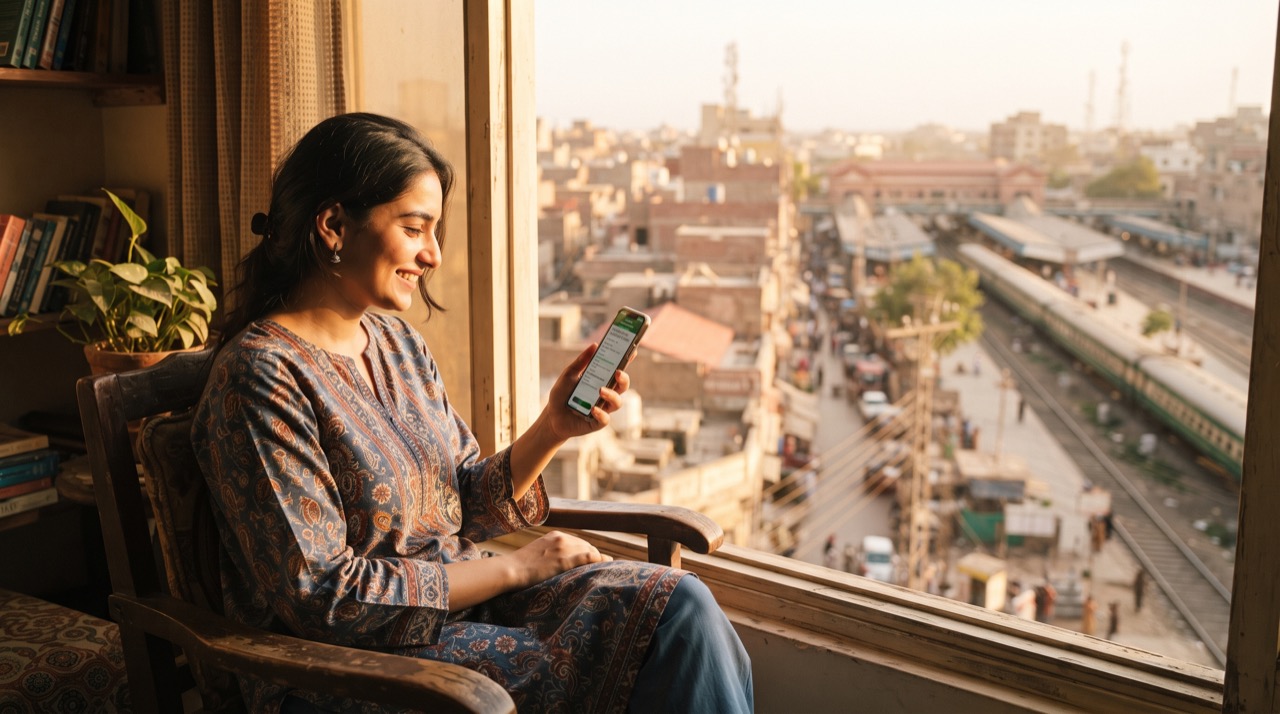
Anyone who has stood in a ticket line at Lahore Junction or Karachi Cantt during peak season knows the drill: an hour of standing, a form to fill, and the risk that your preferred train is already full by the time you reach the counter. The good news is that Pakistan Railways has an official online system that lets you check seat availability, reserve a berth, and pay for it — all from your phone, without ever visiting the station until travel day.
This isn't a third-party reseller or a travel agent markup. It's the same booking engine the counter staff use, just accessible from home. Here's how to actually get it working, what commonly trips people up, and how to keep your booking safe.
Getting Started With Official Online Booking
Pakistan Railways runs its ticketing through its official web portal, linked from pakrail.gov.pk. The general flow looks like this:
- Create an account using a valid mobile number and CNIC — you'll need both for identity verification and for the e-ticket itself.
- Search your route by entering the origin and destination stations, travel date, and class (Economy, AC Standard, AC Business, or AC Sleeper depending on the train).
- Check live seat availability before you commit — the system shows how many berths remain in each class so you're not guessing.
- Select passengers and enter each traveler's name and CNIC or B-Form number for minors, exactly as it appears on the ID card.
- Pay online through the supported methods (usually debit/credit card and mobile wallet options) and receive your e-ticket instantly.
Common Mistakes That Cause Booking Failures
Most failed bookings aren't a system problem — they're small input errors. A few things worth double-checking every time:
- CNIC formatting: enter all 13 digits without dashes unless the field specifically asks for them; mismatched formatting is a frequent rejection cause.
- Name spelling: your ticket name must match your CNIC exactly, since conductors check ID against the manifest on board.
- Booking window: Pakistan Railways typically opens advance booking a set number of days before departure (commonly around a month, though this can shift with schedule changes) — try to book as soon as the window opens for popular routes like Lahore–Karachi or Rawalpindi–Karachi.
- Session timeout: the payment step has a time limit. Have your card or wallet details ready before you start so you don't lose your seat selection mid-payment.
- Class confusion: AC Business and AC Sleeper fill up fastest on overnight trains — if your first choice shows no availability, check a nearby departure time or an adjacent class before assuming the route is sold out.
Paying Safely From Your Phone
A few habits make mobile payment on any government portal safer:
- Only enter card details on a page whose address bar shows the correct pakrail.gov.pk domain — never a link sent to you by someone claiming to "help" with booking.
- Keep the confirmation SMS or email with your ticket number and PNR-style reference until your trip is complete; you may need it to reprint or verify at the station.
- If a payment fails but money leaves your account, don't rebook immediately — wait for the standard reversal window and check your bank statement, since duplicate charges from a retry are avoidable.
A five-minute booking from your sofa the night before payday still beats a ninety-minute queue on travel morning — and it leaves a paper trail if anything goes wrong with your seat.
After You Book
Save a screenshot of your e-ticket and carry your original CNIC — conductors match the physical ID, not just the printed name. If your plans change, check the cancellation and refund rules shown at checkout before travel date, since refund percentages usually shrink the closer you get to departure. For any dispute about a booking or payment, Pakistan Railways' own helpline and portal listed on pakrail.gov.pk is the correct first stop — not a third-party agent.
Roman Urdu
Station per lambi line mein khare hona ab zaroori nahi. Pakistan Railways ka official online booking system pakrail.gov.pk se link hota hai, jahan se aap apne phone se hi ticket reserve aur pay kar sakte hain — bilkul wahi system jo counter staff use karta hai.
Sabse pehle apna mobile number aur CNIC se account banayein. Phir origin aur destination station, date, aur class (Economy, AC Standard, AC Business, ya AC Sleeper) select karein. Booking confirm karne se pehle seat availability zaroor check kar lein taake pata chale kitni seats bachi hain.
Kuch cheezein hain jo booking fail hone ki sabse aam wajah banti hain — inka khayal rakhein:
- CNIC ke 13 digits bilkul sahi aur bina dash ke enter karein, jab tak field mein dash specifically na maanga ho.
- Ticket par naam bilkul wahi likhein jo CNIC par hai — conductor board par ID se match karta hai.
- Advance booking window khulte hi book karne ki koshish karein, khaas kar Lahore-Karachi ya Rawalpindi-Karachi jaise busy routes ke liye.
- Payment ke doran session timeout hota hai, isliye card ya wallet details pehle se tayyar rakhein.
- Agar AC Business ya Sleeper full nazar aaye to nearby time ya doosri class check karein.
Payment hamesha sirf pakrail.gov.pk ke asli address bar se hi karein — kisi third-party link se hargiz nahi. Confirmation SMS ya email tab tak sambhal kar rakhein jab tak safar mukammal na ho jaye, kyunke station par ID original CNIC se hi match hoti hai, sirf print se nahi.
Agar plan badal jaye to checkout par dikhaye gaye cancellation aur refund rules zaroor parh lein, kyunke departure ke jitna qareeb jayein, refund percentage utna hi kam hota jata hai. Kisi bhi masle ke liye pehla rabta hamesha Pakistan Railways ke apne helpline ya pakrail.gov.pk portal se hi karein, kisi agent se nahi.





